Blackboard: An Overview
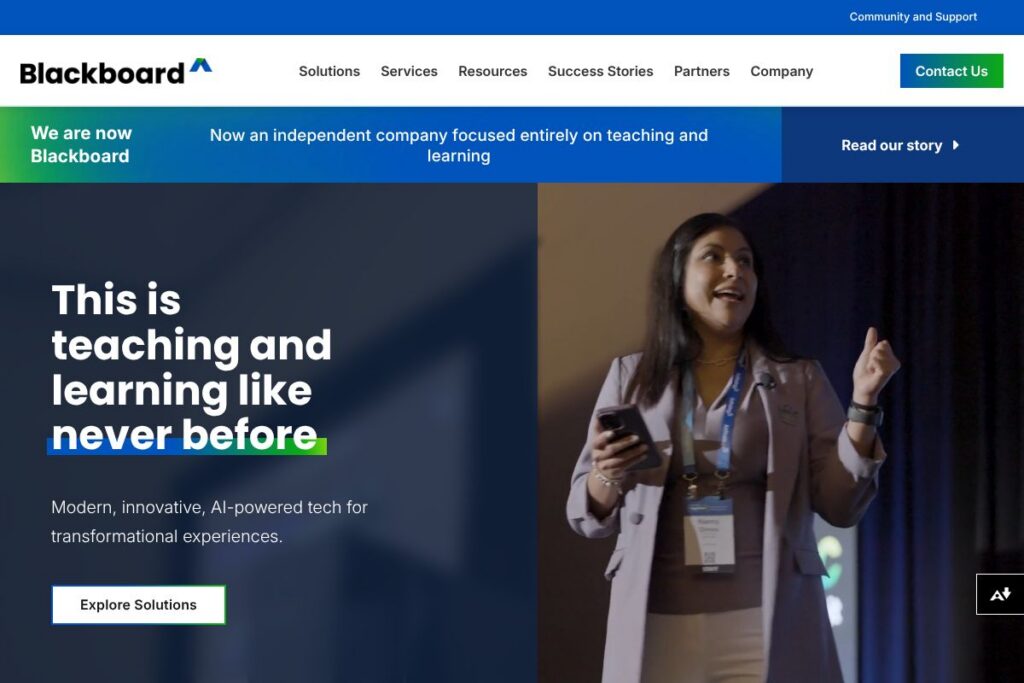
Blackboard is an enterprise learning management system designed for colleges, universities, government agencies, and large organizations. The platform combines course delivery, assessment, analytics, accessibility tooling, and AI-assisted features to support instructors, administrators, and learners across on-campus and distributed environments.
Compared with Instructure Canvas, Blackboard places heavier emphasis on integrated enterprise services such as institutional assessment and long-standing government deployments. Against D2L Brightspace, Blackboard competes on breadth of enterprise features and accessibility tooling rather than on a single streamlined interface. Compared with open-source systems like Moodle, Blackboard offers a managed, commercially supported stack with centralized vendor services and compliance options.
All of this makes Blackboard a fit for institutions that need a broad, vendor-supported LMS with built-in accessibility and assessment capabilities. It is particularly useful for higher education and regulated government environments that require reporting, security, and centralized vendor support.
How Blackboard Works
Blackboard delivers courses and administrative services through a central LMS that instructors access via a web interface or mobile apps. Instructors create courses, upload content, set up assessments and rubrics, and configure grading workflows while students access course materials, submit assignments, and participate in discussions.
AI features assist with content generation, formative feedback, and analytics that identify at-risk students. Accessibility tooling such as Blackboard Ally analyzes course files and provides alternative formats to improve compliance and learner access. Administrative modules consolidate course evaluation, institutional effectiveness, and accreditation workflows to feed institutional reporting and continuous improvement cycles.
Typical implementations combine Blackboard Learn for course delivery, Blackboard Ally for accessibility, Blackboard Evaluate for course feedback, and the institutional effectiveness suite for outcomes and accreditation management. Deployments can be hosted by Blackboard or managed on institutional infrastructure, with single sign-on, role-based access, and integrations to campus identity providers.
Blackboard features
Blackboard’s core feature set spans course management, assessment, accessibility, analytics, and enterprise reporting. Recent platform updates emphasize generative AI capabilities for instructors and improved accessibility workflows via Blackboard Ally.
Let’s talk Blackboard’s Features
Blackboard Learn (Course Management)
Course management provides content organization, discussion boards, assignment submission, gradebook, and configurable course structures. It supports instructor workflows for content release, group work, and grading, with role-based permissions for TAs and administrators.
Generative AI Tools
Built-in generative AI assists with creating lesson outlines, draft assessments, and feedback suggestions to reduce repetitive instructor tasks. These tools aim to save instructor time while preserving instructor control over final content and grading decisions.
Blackboard Ally (Accessibility)
Ally scans course materials for accessibility issues and generates alternative formats such as tagged PDFs and audio files. It also provides instructor guidance on improving file accessibility, helping institutions meet accessibility standards and Title II considerations.
Blackboard Evaluate (Course Feedback)
Evaluate streamlines survey delivery, response collection, and reporting for course evaluations and institutional surveys. The module produces dashboards and exportable reports that support curriculum improvement and faculty development activities.
Institutional Effectiveness and Assessment
Assessment tools handle outcomes measurement, program review, strategic planning, and accreditation reporting. These capabilities centralize evidence collection and make institutional performance data available for planning and compliance.
Analytics and Early Warning
Analytics dashboards surface engagement data, grade trends, and early-warning indicators that help instructors and advisors intervene earlier. Data visualizations support cohort analysis and retention strategies.
Security, Compliance, and Scalability
The platform includes enterprise security features, role-based access controls, and deployment options designed to meet institutional compliance needs. Scalable hosting and managed services support large populations across multiple campuses or agencies.
Integrations and Extensibility
Blackboard supports LTI connections, REST APIs, and vendor integrations to connect to tools such as Microsoft 365, Google Workspace, Zoom, Turnitin, and single sign-on systems. These integrations let institutions reuse existing tools inside courses and automate workflows.
The biggest benefit across these features is a unified environment that combines course delivery, accessibility, assessment, and analytics into a single vendor-supported solution, which reduces the need to stitch disparate systems together.
Blackboard pricing
Blackboard uses an enterprise licensing and services pricing model, with contracts and pricing tailored to institution size, deployment choices, and required modules. Licensing typically covers software, optional managed hosting, support, and add-on products such as Ally or Evaluate.
For detailed plans and to discuss institutional requirements, contact Blackboard sales through the official contact page to request a custom quote and implementation options.
What is Blackboard Used For?
Blackboard is used to deliver online and hybrid courses, manage assessments, and centralize instructional materials across academic departments or agency training programs. It supports faculty workflows for content creation, grading, and communication while giving students a single place to access course resources.
Institutions use Blackboard to meet accessibility and compliance needs with Blackboard Ally, to collect course feedback with Blackboard Evaluate, and to run institutional effectiveness and accreditation reporting. Government customers use the platform for secure workforce training and regulatory compliance programs.
Pros and Cons of Blackboard
Pros
- Comprehensive enterprise feature set: Blackboard bundles course delivery, assessment management, accessibility tooling, and institutional analytics under one vendor-managed platform, reducing the need for multiple disparate vendors.
- Strong accessibility tooling via Ally: Ally integrates accessibility audits and alternative-format delivery directly into course materials, helping institutions meet accessibility obligations and supporting diverse learners.
- Robust assessment and accreditation support: The institutional effectiveness suite supports outcomes measurement, program review, and accreditation reporting, which benefits institutions focused on compliance and continuous improvement.
- Flexible deployment options: Institutions can choose vendor hosting or self-managed deployments, with single sign-on and integrations to existing campus systems.
- Wide ecosystem of integrations: Support for LTI, REST APIs, and common vendors allows institutions to connect third-party tools like Microsoft 365, Google Workspace, Zoom, and Turnitin.
Cons
- Enterprise-focused pricing model: Licensing and implementation typically require institutional procurement cycles and custom contracts, which can be a barrier for smaller organizations or informal training programs.
- Learning curve for administrators and instructors: The platform’s breadth and configurability mean initial setup and training are often required to take full advantage of its capabilities.
- Interface complexity for some users: Longstanding platforms that evolve over time can include legacy interfaces and workflows that may feel less streamlined compared with newer LMS interfaces.
Does Blackboard Offer a Free Trial?
Blackboard offers paid enterprise licensing with demonstrations and pilot program options rather than a public free plan. Institutions can request a demo or pilot through Blackboard sales to evaluate core LMS features, accessibility tooling, and assessment modules before committing to a contract.
Blackboard API and Integrations
Blackboard provides developer resources including REST APIs, LTI support, and integrations for common campus systems. The Blackboard developer documentation describes available endpoints and integration patterns for custom workflows and data access.
Popular integrations include Microsoft 365, Google Workspace, Zoom, Turnitin, and single sign-on providers, which let institutions reuse existing productivity and assessment tools within courses and automate administrative tasks.
10 Blackboard alternatives
Paid alternatives to Blackboard
- Canvas – Modern LMS used widely in higher education, known for a clean interface and marketplace of integrations that supports modular adoption.
- D2L Brightspace – Focuses on adaptive learning and analytics with a strong emphasis on competency-based education and continuous improvement workflows.
- Cornerstone OnDemand – Enterprise learning and talent platform geared toward corporate training, compliance, and employee development programs.
- Schoology – Now part of PowerSchool, a widely used K-12 and higher education LMS with strong classroom collaboration features.
- Cornerstone Learning – Enterprise-focused learning management that pairs compliance training with talent management and reporting.
Open source alternatives to Blackboard
- Moodle – Mature open-source LMS with a large ecosystem of plugins, strong community support, and flexible self-hosting or managed hosting options.
- Open edX – Scalable open-source platform for course delivery and MOOCs, used by universities and corporate learning teams for large-scale programs.
- Sakai – Community-driven open-source LMS used primarily in higher education with collaboration and assessment tools.
- Chamilo – Open-source LMS focused on ease of use and quick deployment for smaller institutions and organizations.
Frequently asked questions about Blackboard
What is Blackboard used for?
Blackboard is used for course delivery, assessment, and institutional reporting. Institutions deploy it to manage online and hybrid courses, collect course evaluations, and centralize accreditation and outcomes measurement.
Does Blackboard offer AI features?
Yes, Blackboard includes AI-assisted tools for content generation, feedback, and analytics. These features help instructors draft materials, generate formative feedback suggestions, and identify learners who may need support.
How much does Blackboard cost?
Blackboard uses enterprise licensing with custom pricing. Costs depend on the institution size, selected modules, hosting choices, and support levels; contact Blackboard sales for a tailored quote via the official contact page.
Can Blackboard integrate with Microsoft 365 and Google Workspace?
Yes, Blackboard integrates with major productivity suites including Microsoft 365 and Google Workspace. These integrations support single sign-on, assignment submission workflows, and document collaboration inside courses.
Is Blackboard accessible for learners with disabilities?
Yes, Blackboard provides accessibility tooling such as Blackboard Ally to generate alternative formats and instructor guidance. Ally helps institutions meet accessibility requirements and improves content access for diverse learners.
Final verdict: Blackboard
Blackboard stands out as a broad, vendor-supported LMS that combines course delivery, accessibility tooling, evaluation, and institutional effectiveness into a single platform. It is strongest for institutions and government agencies that need enterprise-grade reporting, compliance, and centralized vendor support.
Compared with Canvas, which often emphasizes a modern UI and modular adoption, Blackboard provides a more consolidated enterprise stack and deep assessment and accessibility features. Pricing for both platforms is typically handled through institution-level contracts, with Blackboard favoring comprehensive, custom licensing tied to selected modules and services.