What is monday.com
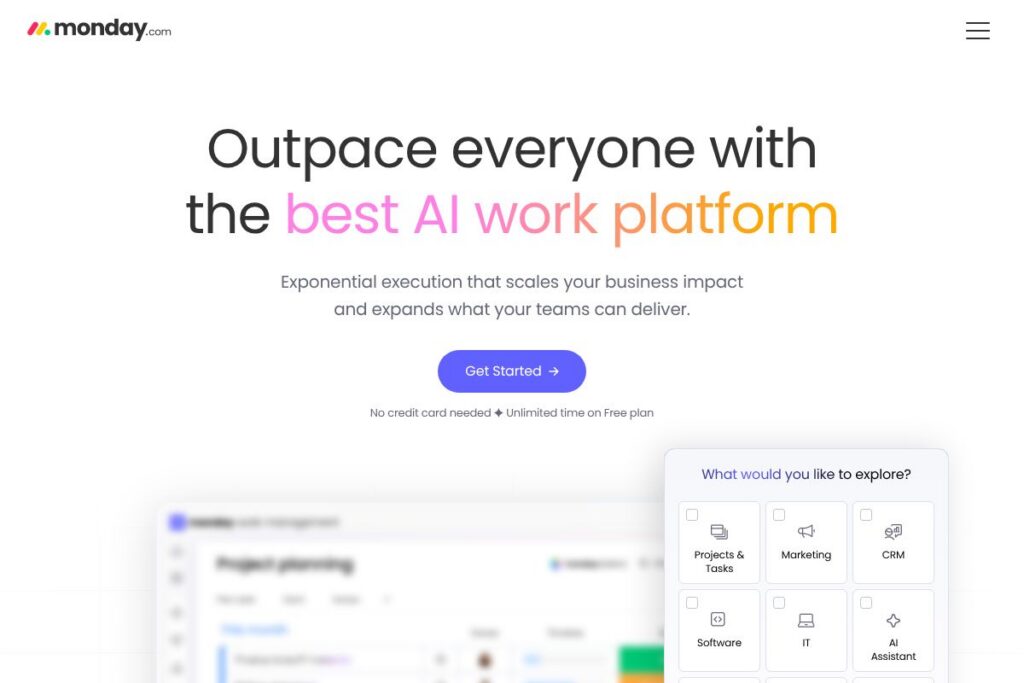
monday.com is a cloud-based work operating system built around configurable boards, automated workflows, and a low-code app builder. It places AI features directly in workflows and boards so teams can generate content, route work, and run repeatable processes without shifting between many point products. For organizations that need a single platform to manage projects, customer journeys, and service operations, monday.com blends task tracking, reporting, and extensibility into a unified experience.
Compared with Asana, monday.com emphasizes visual boards and a low-code app builder that makes it easier to create custom business apps within the same environment. Against Jira, monday.com offers fewer built-in developer-specific features but provides more approachable roadmapping and cross-functional process automation for non-engineering teams. Compared with Trello, monday.com adds native automations, enterprise-grade controls, and AI-driven features for larger teams that need more than simple card-based task lists.
All of this makes monday.com a strong choice for teams that want a single platform to plan, execute, and automate work. It is especially useful for organizations that need to build custom internal tools, connect many data sources, and apply AI inside business processes to reduce manual coordination.
How monday.com Works
Boards are the primary organizing unit: rows represent tasks or records and columns represent status, dates, people, and custom fields. You configure boards for workflows such as project plans, pipelines, or ticket queues and then attach automations that trigger updates, notifications, or API calls when conditions are met.
AI features are embedded at multiple levels, including a personal AI assistant that drafts messages and summarizes context, AI agents that act in specific workflows, and agentic workflows that can orchestrate end-to-end processes. The platform also exposes a low-code app builder so teams can create custom forms, views, and integrations that run inside monday.com rather than adding separate tools.
Implementation typically begins with template-based boards and a small set of automations, then scales by connecting data sources, installing apps from the marketplace, and creating custom agents for repeatable business processes. Enterprise deployments add SSO, permissions, and governance to map monday.com to existing IT controls.
monday.com features
The platform centers on boards, automations, integrations, AI assistants and agents, and a low-code app builder that lets teams create tailored applications. Recent product direction focuses on embedding AI into everyday work through a context-aware assistant, agentic workflows that run tasks end-to-end, and connectors to major AI models. Those capabilities combine to reduce manual handoffs and to let organizations centralize operational data on a single shared layer.
AI assistant
A context-aware assistant lives inside the workspace to summarize boards, draft updates, and suggest next steps based on the items and historical activity. It pulls from the shared data layer so responses reference project status and recent comments, which speeds triage and stakeholder updates. Teams use the assistant to generate emails, craft outreach copy, and convert meeting notes into tracked tasks.
AI agents
AI agents can act on behalf of users to run multi-step processes such as competitor tracking, campaign asset generation, or ticket routing. Agents connect to boards, run automations, and update records without manual intervention, which lets teams scale repeatable work. Organizations can use prebuilt agents or configure custom ones via the app builder.
Agentic workflows
Agentic workflows let you build visual automations that combine conditional logic, AI steps, and cross-board actions to complete processes from start to finish. They are designed for cross-functional scenarios where tasks must move between teams, systems, or stages automatically. This reduces manual orchestration for processes like customer onboarding, campaign launches, and incident response.
Apps builder (low-code)
The low-code apps builder enables creation of custom forms, views, dashboards, and integrations that run inside the monday.com environment. It reduces the need for separate tools by letting teams model bespoke processes such as a tailored CRM, custom service portal, or product release tracker. Developers and technically inclined power users can extend the platform with custom UI components and API-backed logic.
Automations and integrations
Built-in automations cover common triggers, notifications, and status transitions, while a marketplace and connector library provide integrations with Slack, Microsoft Teams, Google Workspace, Salesforce, and many other services. Automations are configurable through a rules-based editor so non-developers can create event-driven behavior. The platform advertises over 200 integrations and an ecosystem of marketplace apps to extend core functionality.
Unified data and model flexibility
monday.com provides a shared data layer so boards, documents, and historical records are accessible to AI features for context-aware responses. The platform supports connections to major AI models including Claude, GPT, and Gemini so teams can choose models for different use cases. This combination of unified data and model flexibility aims to keep AI responses relevant to a company’s actual workflows and documents.
Enterprise security and governance
Enterprise-grade features include single sign-on, fine-grained permissions, audit logs, and compliance controls intended for regulated environments. A centralized administration layer allows IT teams to apply governance, control data access, and manage marketplace app approvals. Organizations with strict security requirements can review the platform’s controls in the monday.com trust center.
With monday.com you get an integrated platform that brings boards, AI, automations, and custom apps together. The biggest benefit is reducing tool sprawl by letting teams design and run tailored operational apps inside a single connected environment where AI has access to workflow context.
monday.com pricing
monday.com uses a SaaS pricing model with a freemium entry point, tiered paid plans, and custom enterprise pricing for large organizations. The vendor highlights a free plan and also offers paid tiers and enterprise options that include advanced automation, compliance, and dedicated support.
For current plan details and to compare features by tier, see the current pricing options on monday.com. If you have enterprise requirements or need a custom contract, contact monday.com sales through the same site to request tailored pricing and deployment information.
What is monday.com Used For?
monday.com is commonly used for project and program management, where teams need visual plans, dependency tracking, and automation to keep initiatives on schedule. Product teams use it for roadmaps and sprint tracking, marketing teams use it for campaign planning and content calendars, and operations teams model cross-functional workflows such as procurement and vendor onboarding.
Beyond project work, monday.com is used as a lightweight CRM, service desk, and product release hub by building tailored apps on top of boards. Its ability to centralize data and run agentic workflows makes it suitable for organizations that want to automate routine decisions and route work across departments with auditability.
Pros and Cons of monday.com
Pros
- Flexible building blocks: Boards, columns, and automations let teams model many types of processes without custom software development. This reduces the time to create tracking systems for projects, CRM pipelines, or service workflows.
- Embedded AI capabilities: Native AI assistant and agents can summarize context, generate content, and drive automations, which speeds routine work and reduces manual handoffs. AI features are integrated into boards and workflows for contextual responses.
- Low-code app builder: The apps builder enables custom internal tools and views, which helps replace disconnected point tools and centralize operations. Both non-developers and developers can contribute to custom apps.
- Extensive integrations: A broad connector library and marketplace let teams link monday.com with Slack, Google Workspace, Microsoft Teams, Salesforce, Jira, and other systems to keep data in sync.
Cons
- Learning curve for large deployments: Configuring agentic workflows, automations, and custom apps can require planning and governance, which may be challenging for teams without a power user or implementation lead. Successful rollouts typically need templates and change management.
- Cost at scale: For organizations that need many advanced automations, AI credits, or enterprise controls, licensing and add-ons can increase total cost of ownership compared with simpler task tools. Budgeting for paid tiers and enterprise features is important.
- Complex reporting for some users: While monday.com offers dashboards and reporting, configuring consolidated enterprise reports across many custom apps can require additional setup or third-party BI tools. Large organizations may need a data strategy to aggregate board-level metrics.
Does monday.com Offer a Free Trial?
monday.com offers a free plan with unlimited time and no credit card required; paid plans typically include trial options or demo access. The free plan supports basic boards and templates so teams can get started immediately, and prospective customers can request demos or speak with sales for enterprise trials and pilots. For the most current trial and plan allowances, review the current pricing options on monday.com.
monday.com API and Integrations
monday.com provides a developer-facing API and SDKs for building integrations, custom apps, and automation steps; see the monday.com developers documentation for endpoints, authentication, and examples. The API supports reading and writing board items, triggering automations, and extending the UI with custom widgets.
On the integrations side, the platform connects natively to popular apps like Slack, Microsoft Teams, Google Workspace, Salesforce, Jira, and Zapier, plus many marketplace apps to import and export data across systems. These integrations are commonly used to route notifications, sync records, and trigger cross-system workflows.
10 monday.com alternatives
Paid alternatives to monday.com
- Asana — A work management platform focused on task lists, timelines, and portfolio views for teams that prioritize structured project management. Asana offers built-in workflows and reporting for product and marketing teams.
- Trello — A card-based board system that is easy to adopt for small teams and simple workflows, with power-ups to extend functionality for automation and integrations.
- Jira — A developer-focused issue and project tracker widely used by engineering teams for agile planning, sprint management, and bug tracking. Jira provides deep integration with developer toolchains.
- ClickUp — An all-in-one productivity platform that combines documents, tasks, goals, time tracking, and automations, marketed as a direct competitor for teams that want many features in one product.
- Wrike — An enterprise-focused project and work management solution that emphasizes Gantt charts, resource planning, and governance features for larger organizations.
- Smartsheet — A spreadsheet-like work management tool designed for operational planning, financial modeling, and cross-functional program management.
Open source alternatives to monday.com
- OpenProject — An open source project management system with support for task tracking, timelines, and agile boards, suitable for self-hosted deployments.
- Redmine — A flexible project management web application that supports issue tracking, custom fields, and plugins for teams that prefer open source tooling.
- Taiga — An agile project management platform designed for startups and development teams, offering sprints, backlogs, and Kanban boards.
- Wekan — An open source Kanban board similar to Trello for teams that need a simple, self-hosted card-based workflow.
Frequently asked questions about monday.com
What is monday.com used for?
monday.com is used for project management, process automation, and building custom internal apps. Teams use it to plan work, track progress, automate repetitive steps, and centralize operational data across departments.
Does monday.com integrate with Slack?
Yes, monday.com offers a native Slack integration. You can receive notifications in Slack channels, create and update items from Slack messages, and link comments between the two systems.
How much does monday.com cost?
monday.com uses a freemium model with paid tiers and custom enterprise pricing. For exact plan features and current rates, consult the current pricing options on monday.com.
Can monday.com be used as a CRM?
Yes, monday.com can be configured as a CRM using templates or custom apps. Teams commonly build pipelines, contact records, and deal tracking inside boards and extend them with automations and integrations to manage full customer journeys.
Does monday.com have an API?
Yes, monday.com provides a developer API and SDKs for building integrations and custom apps. Refer to the monday.com developers documentation for authentication, endpoints, and code samples.
Final verdict: monday.com
monday.com stands out as a flexible work operating system that combines visual boards, automation, an apps builder, and embedded AI to centralize operations across teams. Its strength is in reducing the number of disconnected tools by allowing teams to build tailored apps and agentic workflows that run within a single environment, with enterprise controls and a large integration ecosystem.
Compared with Asana, which starts at $10.99/user/month for entry paid tiers, monday.com positions itself with deeper low-code app capabilities and more extensive native automation and AI features aimed at organizations that need custom operational apps as well as project tracking. If your priorities are AI-driven automation and building internal tools on a unified platform, monday.com is a compelling option; if you need simpler list-based project management at lower per-user cost, a tool like Asana may be more cost-efficient for small teams.