Moodle: An Overview
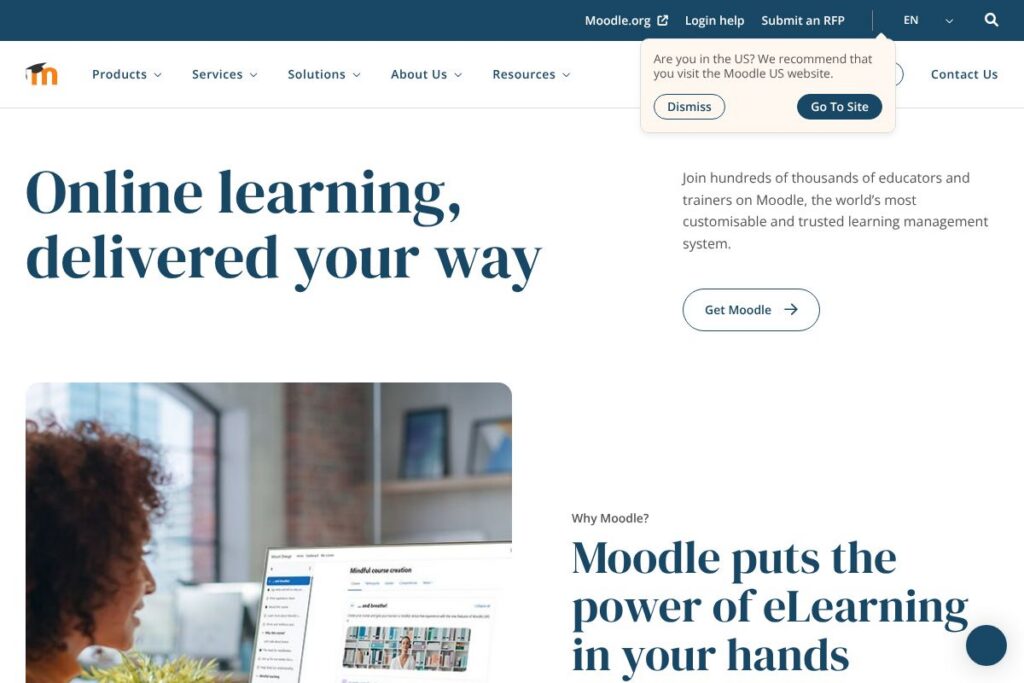
Moodle is an open-source learning management system designed to let institutions build online courses, manage learners, deliver assessments, and track progress. Its modular architecture supports self-hosting, cloud-hosted instances, and vendor-hosted deployments, making it adaptable for small classrooms, large universities, and corporate training programs.
Compared with commercial LMS platforms such as Canvas, Blackboard, and Google Classroom, Moodle distinguishes itself by offering full access to source code, a large community of plugins, and a global network of service partners. Canvas and Blackboard are commercial SaaS platforms with centralised hosting and support models, while Google Classroom focuses on lightweight classroom workflows; Moodle is typically chosen when organisations need deeper customization, self-hosting, or compliance control.
All of this makes Moodle particularly strong for institutions that require customization, multilingual support, and a wide ecosystem of learning activities and integrations. It is well suited for education institutions and enterprises that want control over hosting, data, and custom feature development.
How Moodle Works
Moodle runs as a web application that organises learning around courses and activities. Administrators or instructors create courses, add activities such as quizzes, forums, and assignments, and enrol learners into those courses using manual, bulk, or automated methods.
The system uses role-based permissions to control what students, teachers, and managers can do, and stores content in a modular format so plugins can extend functionality. Deployments can be self-hosted on an organisation’s servers, hosted by a Moodle Partner, or run on MoodleCloud for a managed option that reduces operational overhead.
A typical workflow includes course authoring with resource uploads, setting activity completion rules, scheduling assessments, and tracking progress through reporting tools and gradebooks. Integrations with external systems handle single sign-on, content import (SCORM, LTI), and rostering from student information systems to automate enrolment and grading.
Moodle features
Moodle provides an extensive set of features for course management, assessments, learner tracking, and extensibility. Core capabilities include course authoring, activity modules, a gradebook, reporting tools, and a plugin system that supports thousands of extensions. Recent development emphasis has included improved mobile access, learning analytics, and interoperability through LTI and web services.
Let’s talk Moodle’s Features
Course authoring and content management
Course pages let instructors combine files, web pages, multimedia, and activities into structured learning sequences. Versioning and draft workflows vary by deployment, and content can be imported from SCORM packages or exported for reuse, which benefits teams that reuse or adapt course materials across programs.
Activity modules (quizzes, assignments, forums)
Moodle ships with a broad set of activity modules including quizzes with many question types, timed exams, assignments with inline grading, and discussion forums for social learning. These modules support formative and summative assessment workflows and integrate with the gradebook for automated scoring and manual review.
Gradebook and learning analytics
The gradebook aggregates assessment results, supports weighted grading schemes, and exports to common formats. Learning analytics plugins and built-in reports allow administrators and instructors to monitor engagement, completion rates, and at-risk learners so interventions can be targeted.
User management and enrolment methods
Moodle supports LDAP, SAML/SSO, manual enrolments, cohort sync, and external database enrolment, making it adaptable to institutional identity systems. Bulk user import and automated enrolment rules reduce administrative overhead for large implementations.
Extensibility and plugins
A plugin architecture supports thousands of community and commercial plugins for additional activity types, authentication, reporting, and integrations. This extensibility enables organisations to tailor workflows and add tools such as plagiarism checkers, video players, and external learning tools via LTI.
Mobile access and offline capabilities
The official Moodle mobile app provides access to courses, resources, and offline activity completion for learners on the go. Offline access lets learners download content and sync progress later, which is useful for remote or bandwidth-constrained contexts.
Security and compliance features
Moodle includes role-based permissions, audit logs, and configurable session controls to help organisations meet their security requirements. When hosted through trusted providers or Moodle Partners, additional compliance controls and enterprise-grade security practices are commonly offered.
With these features, Moodle covers end-to-end needs for course creation, assessment, learner management, and platform customization. Its plugin ecosystem and flexible deployment options are the biggest advantages for organisations that need a tailored LMS solution.
Moodle pricing
Moodle follows an open-source model rather than a single SaaS pricing plan. The core software is free to download and use under an open-source license, while hosting, managed services, and partner support are commonly sold separately by service providers.
Self-hosted and open-source
Self-hosting: Free to download and use (GPL open-source). Organisations handle hosting, updates, and backups themselves by installing from the Moodle downloads area or following instructions in the official documentation.
Managed and partner services
Managed hosting and enterprise services: Pricing varies by provider and typically includes hosting, maintenance, customisations, and support. For a hosted, lower-maintenance option, see MoodleCloud plans and details or consult the Moodle Partners directory for tailored enterprise quotes.
For most organisations, budgeting should account for hosting, integrations, support, and any third-party plugins or development work, rather than a fixed per-user license fee from the core platform.
What is Moodle used for
Moodle is commonly used to deliver online courses, blended learning, professional development, and compliance training. Educators use it to structure lessons, run assessments, facilitate discussions, and collect learner submissions in a single platform.
Enterprises use Moodle for onboarding, product training, and certification programs where they need control over learner data and the ability to integrate with HR systems. Its flexibility makes it suitable for language learning, vocational training, continuing education, and large-scale open online courses.
Pros and cons of Moodle
Pros
- Open-source and free to use: The core LMS can be downloaded and run without licensing fees, which reduces software cost and allows complete access to source code for customization.
- Highly customisable: Themes, plugins, and configuration options let organisations adapt the platform to specific pedagogical and branding needs, and developers can build bespoke functionality.
- Large ecosystem and community: A global community contributes plugins, translations, and documentation, and a network of Moodle Partners provides regional hosting and professional services.
- Flexible deployment options: You can self-host, use MoodleCloud for managed hosting, or contract a Moodle Partner for enterprise-grade hosting and support.
Cons
- Operational overhead for self-hosting: Self-managed instances require IT resources for updates, security, and scalability, which can be a barrier for small organisations without technical staff.
- User interface inconsistency across plugins: Because plugins come from many authors, the look and behaviour of features can vary unless an organisation enforces a consistent theme and plugin set.
- Complexity for small, simple courses: For teachers who need a minimal interface, Moodle’s depth and configuration options can feel overwhelming compared with leaner classroom tools.
Does Moodle Offer a Free Trial?
Moodle is open-source and free to use, and you can run it without licensing fees. For teams that prefer a managed option, MoodleCloud provides hosted plans with trial or entry tiers to evaluate the platform without self-hosting; check MoodleCloud hosting options for details about available trial or starter plans.
Moodle API and Integrations
Moodle provides web services and developer APIs that let integrators automate tasks, exchange data, and build custom functionality; see the Moodle developer documentation for API endpoints, authentication, and examples. Common integrations include identity providers, single sign-on, and roster synchronization.
Key built-in and third-party integrations include Google Workspace, Microsoft 365, Zoom, BigBlueButton, Turnitin, LDAP, and LTI-compatible learning tools, allowing organisations to connect Moodle with conferencing, plagiarism checking, content, and authentication services.
10 Moodle alternatives
Paid alternatives to Moodle
- Canvas – Cloud-first LMS popular in higher education with a modern UI and strong assessment and analytics features.
- Blackboard – Enterprise-grade LMS with extensive administrative controls and integrations for large institutions.
- D2L Brightspace – Focused on adaptive learning and analytics, commonly used in higher education and corporate learning.
- Schoology – K-12 focused LMS with strong classroom collaboration and gradebook features.
- Cornerstone OnDemand – Enterprise learning and talent management platform that combines LMS with performance and succession tools.
- Absorb LMS – Corporate-focused LMS with polished reporting, e-commerce, and enterprise integrations.
- TalentLMS – Cloud LMS geared toward training teams and small to midsize businesses with fast setup.
Open source alternatives to Moodle
- Sakai – Community-driven LMS used by higher education institutions with strong academic features and collaboration tools.
- Open edX – Open source platform geared to massive open online courses and scalable learning experiences with a focus on video and microlearning.
- ILIAS – Open source LMS with strong compliance and assessment features, commonly used in Europe.
- Chamilo – Lightweight open source LMS focused on ease of use and rapid deployment.
Frequently asked questions about Moodle
What is Moodle used for?
Moodle is used for delivering online and blended learning across education and corporate training. It supports course authoring, assessments, forums, and learner tracking for a wide range of teaching scenarios.
Does Moodle cost money to use?
The core Moodle LMS is free and open-source under GPL. Costs arise from hosting, support, and optional paid services such as managed hosting or partner customisations.
Can Moodle integrate with Google Workspace or Microsoft 365?
Yes, Moodle integrates with both Google Workspace and Microsoft 365. These integrations support single sign-on, file storage, calendar sync, and collaborative document workflows.
Is Moodle suitable for large universities or enterprises?
Yes, Moodle scales to support large institutions when properly hosted and configured. Many universities and enterprises use Moodle with clustered hosting, CDN support, and partner services for reliability and performance.
Does Moodle have an API for developers?
Yes, Moodle exposes web services and developer APIs. The Moodle developer documentation describes endpoints, authentication, and examples for automation and integrations.
Final verdict: Moodle
Moodle excels as a flexible, extensible LMS for organisations that need control over hosting, customisation, and integrations. Its open-source model removes per-seat licensing costs and enables deep changes to workflows, making it a strong choice for universities, training providers, and enterprises with development resources.
Compared with a commercial competitor like Canvas, Moodle offers greater control and no core licensing fees, while Canvas provides a managed SaaS experience with vendor-driven UI and support. Organisations that prioritise low upfront software cost and customisability typically favour Moodle, while institutions that prefer an out-of-the-box managed service may opt for Canvas or another commercial LMS.