YouTube: An Overview
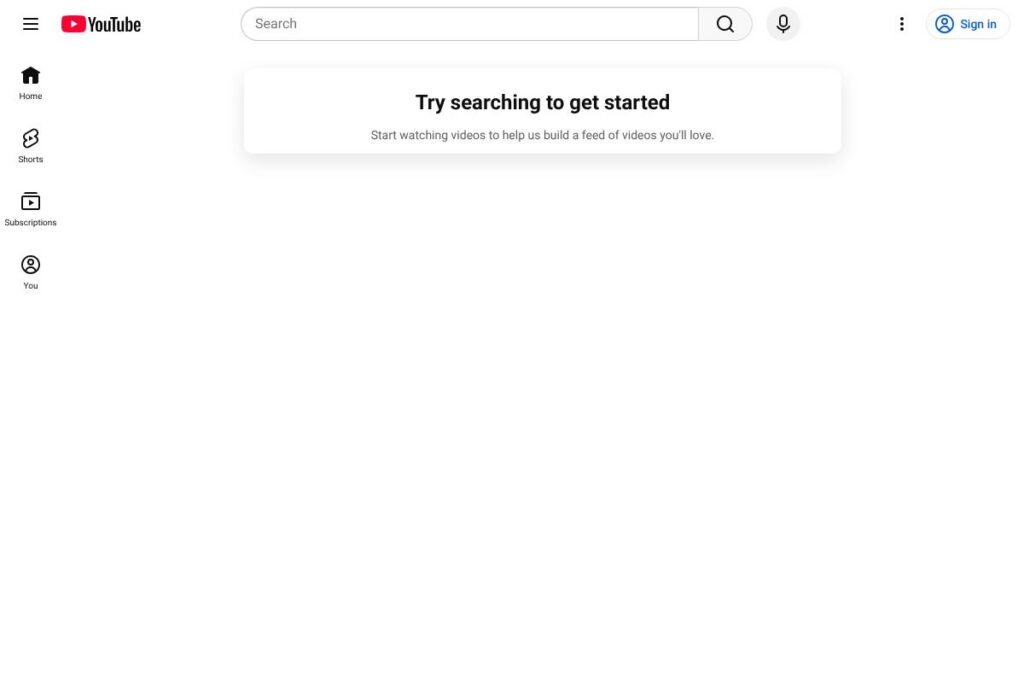
YouTube is a global video platform where people watch, upload, and share video and music content across a wide range of topics. It combines a consumer-facing experience for discovering videos with a creator-focused suite of tools for uploading, editing, monetizing, and analyzing content via the YouTube Studio interface.
Compared to competitors like Vimeo and Twitch, YouTube emphasizes reach and discoverability through its recommendation system and search integration, while Vimeo focuses on paid hosting, privacy controls, and professional portfolios, and Twitch specializes in live interactive streaming for gaming and community building. All of this makes YouTube particularly well suited for creators and organizations that need large-scale distribution, social discovery, and built-in monetization options.
YouTube performs strongly on audience reach, searchability, and monetization variety, making it suitable for independent creators, media companies, educators, and brands that rely on video as a primary content format.
How YouTube Works
YouTube organizes content around channels, videos, playlists, and live streams. Viewers discover content through search, homepage recommendations, trending lists, and subscriptions. Creators upload videos through the upload flow in YouTube Studio, set metadata like titles and thumbnails, and choose visibility settings such as public, unlisted, or private.
For creators, the platform provides post-upload tools including trimming, adding end screens, chapters, and basic color or audio edits. Distribution and engagement are driven by comments, likes, shares, and the recommendation algorithm that surfaces related or personalized videos. Monetization options such as ad revenue, channel memberships, merchandising links, and Super Chat are managed from the creator dashboard.
What does YouTube do?
YouTube is built around video hosting, discovery, and creator monetization. Core capabilities include content upload and hosting, search and recommendations, live streaming, creator analytics, and integrated monetization via ads and subscriptions. The platform has expanded to include short-form video through Shorts and a music-focused product via YouTube Music.
Let’s talk YouTube’s Features
Content discovery and recommendations
YouTube uses a combination of search indexing, metadata, and behavioral signals to recommend videos on the homepage, in Up Next, and in subscription feeds. This recommendation system helps videos reach audiences beyond a creator’s direct subscribers and supports organic growth for channels.
YouTube Studio (creator tools)
YouTube Studio centralizes upload, metadata management, thumbnail selection, and performance analytics including watch time, impressions, and audience retention. Creators use these analytics to optimize publishing schedules, content lengths, and topics that attract and retain viewers.
Live streaming
YouTube supports real-time broadcasts with chat, Super Chat payments, stream scheduling, and DVR-like replay features. Integration with streaming software like OBS and Streamlabs enables multi-camera setups, scene switching, and external overlays for professional streams.
Monetization and ads
YouTube offers multiple monetization paths including ad revenue sharing, channel memberships, Super Chat for live streams, and direct commerce integrations. Creators who meet eligibility thresholds enable monetization options from the YouTube Studio monetization settings.
Shorts (short-form video)
Short-form vertical videos are designed for quick viewing and viral sharing, appearing in a dedicated Shorts shelf and sometimes in subscribers’ feeds. Shorts provides a low-friction creation and discovery path for both new and established creators.
YouTube Music and content licensing
YouTube integrates music playback and artist pages via YouTube Music and supports content ID systems for rights holders to manage and monetize music usage. This ecosystem helps musicians and labels track usage and collect royalties.
With these capabilities, YouTube combines reach, creator tooling, and monetization into a single platform that supports everything from casual uploads to large-scale channel businesses.
YouTube pricing
YouTube uses a freemium model that combines free ad-supported access with optional paid subscriptions and add-on services. The free tier provides full access to uploading, watching, and basic channel features while paid options remove ads, add features, or provide live TV services.
Subscription options
YouTube (free tier): Free (Ad-supported access, upload and channel features).
YouTube Premium: Paid subscription (Ad-free playback, background play, and offline downloads). View details on the YouTube Premium page.
YouTube TV: Paid subscription (Live TV streaming with regional channel lineups). See YouTube TV offerings for availability and package details.
Channel memberships and Super Chat: Paid features for viewers to support creators directly through recurring memberships or live stream payments; managed per channel in YouTube Studio. For specifics on creator monetization and eligibility, consult the YouTube monetization help.
What is YouTube Used For?
YouTube is used for content distribution, audience building, and video-based communication across education, entertainment, marketing, and community-building scenarios. Individuals use it to share personal videos and grow channels, while organizations publish tutorials, product demos, webinars, and branded content.
Educators and businesses use YouTube for evergreen course material and training libraries, while live streaming supports events, product launches, and interactive Q&A sessions. The platform is also widely used for music discovery and full-length programming through official artist and studio channels.
Pros and cons of YouTube
Pros
- Massive audience reach: YouTube connects creators to a global user base and benefits from strong search integration and recommendation systems, which help content get discovered organically.
- Comprehensive creator tools: YouTube Studio provides upload workflows, analytics, and monetization controls that support creators from hobbyists to full-time channels.
- Multiple monetization paths: Ad revenue sharing, channel memberships, Super Chat, and integrated commerce options give creators several ways to earn income.
Cons
- Ad dependency and policy sensitivity: Content monetization and visibility can be affected by ad suitability policies and algorithm changes, which may cause revenue variability for creators.
- Limited control over recommendations: Creators have relatively little influence over how the platform recommends their content, which can make growth unpredictable for some channels.
- Discoverability noise: High volume of uploads and competitive niches mean it can be hard for new creators to stand out without strategy and promotion.
Does YouTube Offer a Free Trial?
YouTube provides a free tier and optional paid subscriptions; paid services sometimes offer promotional trials. The core YouTube service is free and ad-supported, while paid options like YouTube Premium and YouTube TV are available for subscription and occasionally include trial periods or promotional pricing; check the YouTube Premium page and YouTube TV offerings for current trial details.
YouTube API and Integrations
YouTube offers developer APIs that let applications search for content, upload videos, manage playlists, and access analytics. See the YouTube Data API documentation for endpoints, quotas, and code samples.
The platform integrates with Google services such as Google Ads and Google Analytics, streaming software like OBS, and social networks for cross-posting and sharing. Many third-party CMS and publishing tools include YouTube connectors for content embedding and scheduling.
10 YouTube alternatives
Paid alternatives to YouTube
- Vimeo — A video hosting service focused on professional portfolios, higher-quality playback, and granular privacy controls suitable for agencies and businesses.
- Twitch — Live streaming platform centered on gaming and interactive broadcasts, with strong community and subscription-based creator support.
- Dailymotion — Video sharing site with global reach that supports publishers and provides monetization options for some creators.
- Facebook Watch — Integrated into Facebook for social video distribution, discovery via social graphs, and ad-driven monetization.
- IGTV / Instagram Video — Instagram’s long-form video and vertical format features for creators already building audiences on Instagram.
- Brightcove — Enterprise-focused video hosting and delivery with analytics and CDN support for large organizations.
Open source alternatives to YouTube
- PeerTube — A federated, open-source video hosting platform that uses ActivityPub to link independently hosted instances into a decentralized network.
- Kaltura Community Edition — Open-source video platform for hosting, management, and streaming that is often self-hosted by educational institutions and enterprises.
- MediaGoblin — A free, decentralized media hosting platform designed to support video, audio, and images under user control.
- OwnCast — Open-source, self-hosted live video streaming solution for creators who want full control over streaming infrastructure.
Frequently asked questions about YouTube
What is YouTube used for?
YouTube is used for hosting and discovering video content across many genres. Individuals, creators, and organizations publish videos for education, entertainment, marketing, and community engagement.
Does YouTube have paid subscriptions?
Yes, YouTube offers paid subscriptions in addition to a free tier. Options include YouTube Premium for ad-free playback and YouTube TV for live television streaming; check the YouTube Premium page for more on Premium features.
Can creators monetize on YouTube?
Yes, creators can monetize through ads, memberships, Super Chat, and other revenue features. Eligibility and enablement are managed in YouTube Studio under the monetization settings and require meeting program thresholds.
Does YouTube provide an API for developers?
Yes, YouTube provides developer APIs for search, uploads, and analytics. The YouTube Data API documentation outlines available endpoints, quotas, and integration guidelines.
Is YouTube suitable for businesses?
Yes, YouTube is widely used by businesses for marketing, training, and brand publishing. Its reach, searchability, and support for long-form and short-form content make it a flexible channel for customer education and audience building.
Final verdict: YouTube
YouTube excels as a distribution platform with unmatched audience reach, robust creator tools, and multiple monetization channels. Its recommendation system and search integration give creators a strong opportunity to grow audiences, while YouTube Studio centralizes the workflows needed to publish and analyze content.
Compared to Vimeo, which organizes its offering around paid hosting plans and privacy controls for professional use, YouTube provides broader organic reach and a free entry point, while Vimeo is preferred for polished, brand-focused hosting and client-facing portfolios. For creators who prioritize maximum discoverability and a variety of revenue streams, YouTube remains the primary choice.