What is Zoom
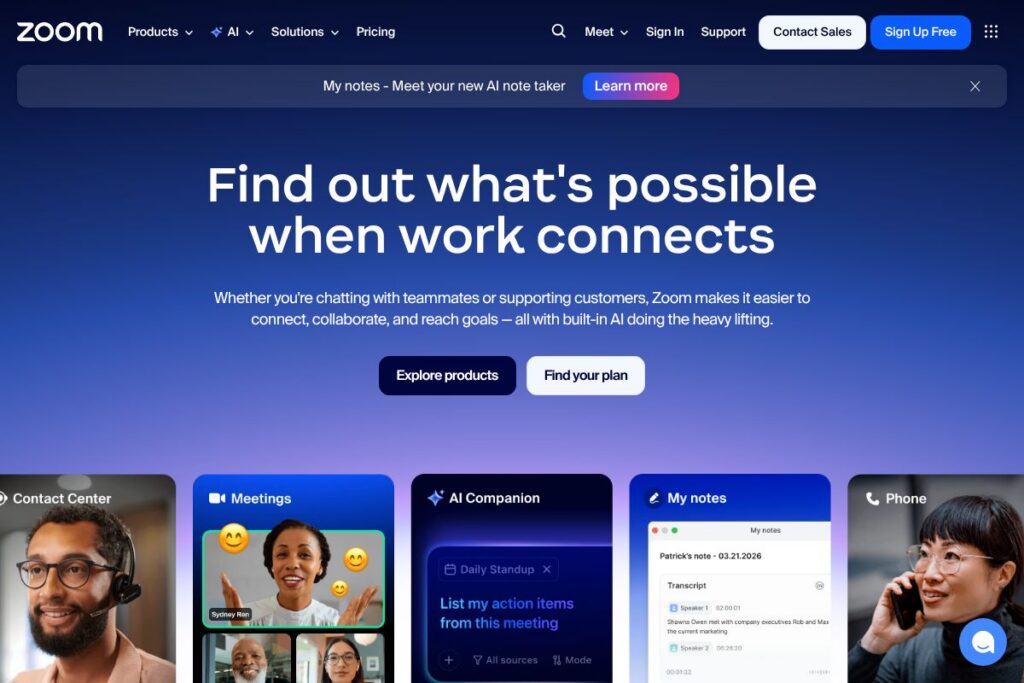
Zoom is a unified communications platform built around video meetings and real-time collaboration. It combines meeting and webinar hosting, persistent team chat, a cloud phone system, interactive whiteboards, and contact center functionality so teams can run customer support, internal collaboration, and public events from a single vendor.
Compared with Microsoft Teams and Google Meet, Zoom places a greater emphasis on meeting scalability, cross-platform client consistency, and an extensible ecosystem of SDKs and integrations. Teams that already buy Microsoft 365 might prefer Microsoft Teams for bundled licensing and deep Office integration, while organizations that need lightweight browser-first meetings and broad third-party SDK support often choose Zoom for its meeting performance and developer tooling.
Zoom excels at reliable, high-quality video and simple meeting administration, and its modular architecture makes it suitable for small teams through to large enterprises. That combination of video quality, extensibility, and purpose-built features makes Zoom a practical choice for customer-facing support centers, distributed engineering teams, educational institutions, and event organizers.
How Zoom Works
Zoom runs as a cloud-hosted service with native desktop, mobile, and browser clients that connect to Zoom’s global conferencing network. Hosts schedule or start meetings, invite participants by link or calendar invite, and control join settings, security options, recording, and live streaming from the host controls.
For team collaboration, Zoom provides persistent chat channels and direct messages that sync across devices, while its cloud phone system assigns direct numbers, call routing, and voicemail. Developers can embed video and audio into apps using the Zoom Video SDK or automate user and meeting management with the Zoom API; see the Zoom API documentation for endpoint details.
Zoom’s AI features capture meeting context, summarize conversations, and generate follow-up notes so teams can reduce manual documentation and speed decision making. The AI Companion integrates with meetings, chat, and recordings to surface action items, suggested next steps, and draft documents.