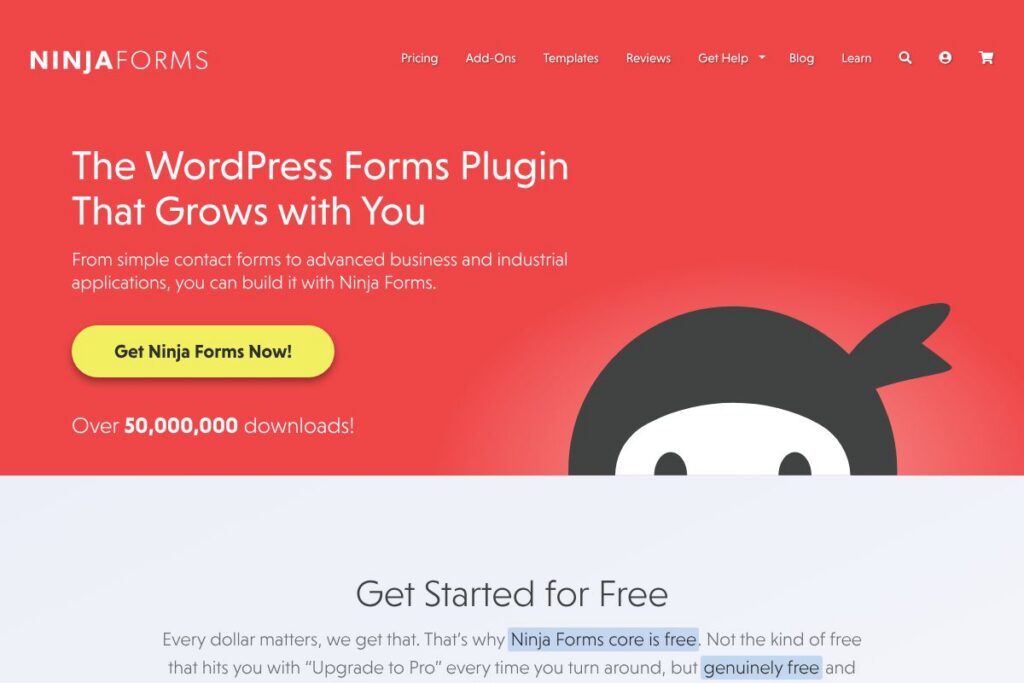
Ninja Forms: An Overview
Ninja Forms is a WordPress plugin that provides a visual, drag-and-drop interface for building forms without writing code. The core plugin is free and includes a broad set of fields and submission management tools, while optional paid add-ons and memberships add integrations, payment processing, and advanced features.
Compared with WPForms, which emphasizes a beginner-friendly guided experience and provides paid tiers for most advanced features, Ninja Forms takes a modular approach by letting you add only the features you need. Compared with Gravity Forms, which is primarily a paid product aimed at power users and developers, Ninja Forms offers a free entry point and buy-only-what-you-need add-ons. Compared with Contact Form 7, which is free and minimal, Ninja Forms provides a visual builder, built-in submission management, and an add-on ecosystem that scales toward more complex workflows.
All of this makes Ninja Forms well suited to site owners who want a no-code form builder that scales from simple contact forms to complex, calculated forms with payments and CRM connections. It performs especially well for WordPress users who prefer a modular purchase model rather than an all-in-one paid subscription.
How Ninja Forms Works
The plugin installs as a standard WordPress plugin and adds a form-builder UI inside the WordPress admin. You create a form by dragging fields from a palette onto the canvas, configure field properties, and place the resulting form on pages via shortcodes or a block for the WordPress editor.
Workflows commonly include configuring email notifications, setting form actions such as redirects or downloadable files, and mapping submission data to a CRM or email-marketing service through add-ons. For payments or advanced automations you install only the required add-ons, then connect to payment gateways like Stripe or PayPal within the form settings.
What does Ninja Forms do?
Ninja Forms centers on visual form building and extensible functionality through add-ons. Core capabilities include a large free field library, submission management, conditional logic, file uploads, calculations, email notifications, and a marketplace of integrations for payments, CRMs, and automation platforms.
Ninja Forms’s main Features:
Drag-and-drop Form Builder
The builder provides a visual canvas for assembling forms from prebuilt fields, which speeds up form creation for non-technical users. Field settings are accessible inline, and saved favorite fields let you reuse customized inputs across multiple forms.
Field Library (28+ fields)
A wide selection of fields covers basic contact inputs, choices, pricing fields, file uploads, and date/time pickers, which reduces the need for custom code. That breadth helps build everything from signup forms to product order forms without extensions in many cases.
Calculations and Data Logic
Built-in calculation support powers price totals, scoring, and conditional computations directly inside forms, useful for price estimators, quizzes, and lead scoring. Conditional logic controls visibility and triggers so forms can adapt to user input.
Submission Management
Submissions are stored in WordPress with search, filter, edit, and export options so site owners retain ownership of collected data. Scheduled exports and PDF/Excel outputs are available through add-ons for reporting and offline workflows.
Email Notifications and Actions
Unlimited email notifications let you send submission details to multiple recipients and tailor messages per form. Form Actions allow success messages, redirects, and file delivery to create lead magnets or custom post-submit behavior.
Payments and Donations
Official add-ons connect forms to payment providers like Stripe, PayPal, and other gateways to accept one-time or recurring payments and donations. Payment add-ons include options to handle receipts, shipping fields, and digital downloads.
CRM and Email Marketing Integrations
Ninja Forms integrates with major CRMs and email tools through dedicated add-ons and Zapier, enabling automatic lead capture and campaign triggers. Connectors include Mailchimp, ActiveCampaign, HubSpot, Salesforce, and others to keep submission data in external systems.
Anti-spam and Access Controls
Multiple anti-spam measures and bot-blocking options help reduce spam submissions, while user restrictions let you limit access to logged-in users or enforce unique-field submission rules. These controls protect data quality and reduce inbox noise.
GDPR, CCPA, and Privacy Tools
Built-in controls for data erasure and export, field-level consent, and configuration options assist compliance with privacy regulations. Granular storage controls let administrators decide which data to persist.
Accessibility and Security Focus
Accessibility best practices and security controls are prioritized so forms meet WCAG guidance and minimize common plugin risks. Documentation and test notes help teams apply accessibility and privacy settings appropriately.
With these capabilities, Ninja Forms offers a complete set of tools for building forms that collect, process, and export data while integrating with payment and marketing systems.
Ninja Forms pricing
Ninja Forms follows a freemium model: the core plugin is free for download, and advanced features are available via individual paid add-ons or bundled memberships. This allows a mix-and-match purchase approach rather than forcing a single high-priced tier for every user.
For current membership options and add-on pricing, check the official Ninja Forms website for the latest packages, bundles, and membership details.
What is Ninja Forms Used For?
Ninja Forms is used for contact forms, lead capture, surveys, event registrations, and payment or donation forms on WordPress sites. The form calculations and conditional logic make it capable of handling quoting tools, quizzes, and product configurators in addition to simple contact flows.
Organizations that rely on form data for daily operations use Ninja Forms to collect and export information to Excel or PDF, or to push leads directly into CRMs. Small businesses, nonprofits, educational institutions, healthcare practices, and government sites commonly deploy it because of the plugins modular purchase model and privacy features.
Pros and Cons of Ninja Forms
Pros
- Free core plugin: The free core includes a large field library, basic submission storage, and a visual builder so many sites can operate without paid add-ons.
- Modular add-on model: You can buy only the features you need, which is cost-efficient for organizations that do not require a full premium suite.
- Strong integrations: Official connectors and Zapier support enable integrations with CRMs, email marketing tools, and payment gateways for automated workflows.
- Good user support: The team offers support for both free and paid users, which helps when integrating forms into diverse WordPress setups.
Cons
- Add-ons required for advanced features: Many production features such as advanced exports, certain payment gateways, and specific CRM connectors require paid add-ons, which can add up for heavy users.
- Learning curve for complex forms: Building forms with multiple calculations, conditionals, and integrations can be more involved than very simplified builders aimed strictly at beginners.
- Potential plugin conflicts: As with many WordPress plugins, complex sites with many third-party themes and plugins may encounter occasional compatibility issues requiring troubleshooting.
Does Ninja Forms Offer a Free Trial?
Ninja Forms offers a free core plugin and paid add-ons rather than a standard time-limited trial. You can download and use the free plugin to build forms immediately; advanced features and integrations are available by purchasing individual add-ons or a membership package through the official Ninja Forms website.
Ninja Forms API and Integrations
The platform supports integrations through dedicated add-ons, webhooks, and Zapier for connecting to thousands of services. The developer documentation provides guidance on webhooks, data hooks, and extension points for developers building custom connectors.
Key built-in and add-on integrations include payment gateways like Stripe and PayPal, email tools like Mailchimp and ActiveCampaign, and CRMs such as HubSpot and Salesforce, enabling form submissions to flow into broader business systems.
10 Ninja Forms alternatives
Paid alternatives to Ninja Forms
- WPForms – A user-friendly form builder with a guided setup, form templates, and powerful paid tiers for payment and marketing integrations.
- Gravity Forms – A developer-focused, premium plugin with a mature add-on ecosystem for advanced workflows and enterprise use cases.
- Formidable Forms – A form and application builder aimed at data-driven forms and front-end display of form data with paid plans.
- Jotform – A hosted form platform with advanced templates, calculations, and native payment integrations accessible outside WordPress.
- Typeform – A hosted, conversational form builder designed for surveys and lead capture with engaging, interactive flows.
Open source alternatives to Ninja Forms
- Contact Form 7 – A free, lightweight WordPress plugin for basic contact forms with many community extensions.
- Forminator – A free WordPress plugin that supports polls, quizzes, and payments with a visual builder and integration options.
- Fluent Forms – A freemium WordPress form builder with a generous free feature set and paid add-ons for integrations and payments.
- Caldera Forms – Historically a free visual form builder; users should check current maintenance status and community forks before adopting.
Frequently asked questions about Ninja Forms
What is Ninja Forms used for?
Ninja Forms is used to build WordPress forms for contact, payments, surveys, registrations, and data collection. It supports conditional logic, calculations, and integrations so forms can handle both simple and complex workflows.
Does Ninja Forms integrate with Mailchimp and CRMs?
Yes, Ninja Forms integrates with Mailchimp and leading CRMs through official add-ons and Zapier. These integrations let you push form submissions into marketing lists and CRM records automatically.
Is Ninja Forms free to use?
Ninja Forms provides a free core plugin with optional paid add-ons and memberships. The free core includes many fields and basic submission management, while advanced features require paid purchases.
Can Ninja Forms accept payments?
Yes, Ninja Forms accepts payments via paid add-ons for gateways such as Stripe and PayPal. Add-ons enable one-time and recurring payments, receipts, and digital product delivery depending on the configuration.
Does Ninja Forms support GDPR and privacy controls?
Yes, Ninja Forms includes GDPR and CCPA tools for consent, data export, and deletion workflows. Field-level controls and storage settings help site owners manage personal data according to privacy regulations.
Final verdict: Ninja Forms
Ninja Forms is a flexible WordPress form builder that balances a usable free core with a modular add-on marketplace, making it a practical choice for users who want to pay only for the capabilities they need. It handles a wide range of use cases from simple contact forms to complex calculators and payment flows, and its submission management and privacy features are useful for organizations that need local control over data.
Compared with Gravity Forms, which requires a paid license to access most advanced capabilities, Ninja Forms lets you start for free and add functionality piecemeal; this makes Ninja Forms more accessible for smaller sites and budget-conscious teams. If you prefer an all-in-one premium package and developer-oriented features out of the box, Gravity Forms can be a better fit, but Ninja Forms is often the more cost-effective and flexible option for many WordPress users.
For downloads, documentation, and membership details visit the official Ninja Forms website and review the developer documentation for integration and extension guidance.