What is Bill4Time
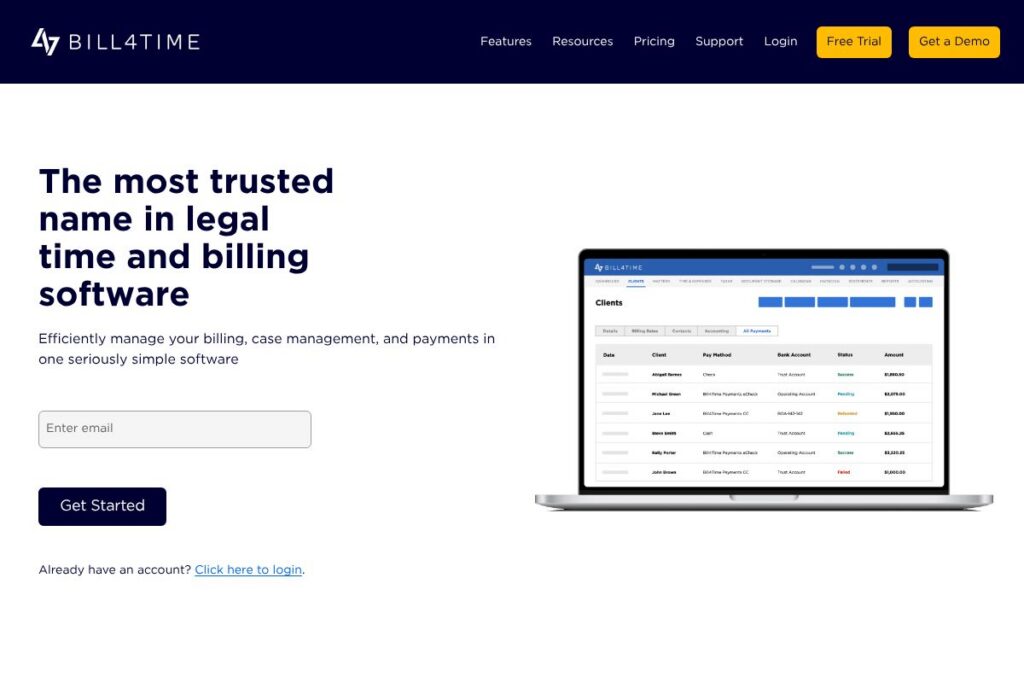
Bill4Time is a cloud-based legal time and billing system focused on accurate time capture, flexible invoicing, and integrated payments. The platform brings together time tracking, expense logging, client invoicing, trust accounting safeguards, and reporting so firms can manage the entire billing lifecycle from a single product.
Compared with competitors, Bill4Time emphasizes simplicity and billing-first workflows. Clio and PracticePanther offer broader practice management suites that include client intake and deeper docketing tools, while TimeSolv and CosmoLex compete closely on legal billing and trust accounting. Bill4Time tends to win on straightforward billing, flexible payment options, and ease of setup for firms that prioritize invoicing and collections.
All of this makes Bill4Time a strong choice for firms that need dependable, easy-to-deploy legal billing software. It works well for solo attorneys, small firms, and mid-size practices that want accurate time capture, clear invoicing, and native payment capabilities without added complexity.
How Bill4Time Works
Bill4Time organizes work around matters and users. Timekeepers log hours from desktop or mobile apps to a matter, assign billing codes and rates, and add expenses; those entries feed directly into draft invoices that can be reviewed, customized, and batch-sent to clients.
Billing workflows include rate schedules per user or client, LEDES-compatible invoice output, and consolidated invoice templates to speed recurring invoicing. Firms can set payment plans, share secure payment links, and reconcile receipts against trust accounts to maintain compliance.
Operationally, firms typically implement Bill4Time by importing contacts and matters, configuring rate structures, and training staff on the mobile and web time capture tools. Reporting and dashboard views then let administrators monitor collections, aging receivables, and trust balances.
What does Bill4Time do?
Bill4Time centers on legal timekeeping, invoicing, and payments, with add-on functionality for case management, reporting, and trust accounting. Recent updates have focused on deeper payments integration, improved client portal workflows, and expanded reporting options for collections and compliance.
Here are some of the platform’s main features worth highlighting:
Time tracking and mobile capture
Time entries can be recorded in real time from desktop and mobile apps, manually adjusted, or added in bulk, reducing missed billable minutes and simplifying daily logging for remote work.
Billing and invoice customization
Create professional, branded invoices with customizable templates, LEDES output for e-billing, and batch invoicing to send multiple client bills at once; this reduces administrative overhead during month-end.
Online payments and payment plans
Native payments let firms accept card and electronic payments, build custom payment plans, and share secure payment links; payments reconcile back to invoices so collections tracking stays accurate.
Case management and document organization
Store matter files, deadlines, and notes in one place and assign tasks or share updates across the team, which helps reduce email dependence and keeps matter-related data together.
Trust accounting and compliance
Trust account functionality supports IOLTA and ABA-informed workflows with safeguards that separate client funds from operating funds and provide transaction histories needed for audits.
Reporting and dashboards
Interactive dashboards and prebuilt reports give visibility into collections, aging receivables, productivity by timekeeper, and trust balances, with bulk export options for bookkeeping and month-end close.
Integrations and data export
Connectors and export options reduce duplicate entry by syncing client and financial data with accounting systems and other apps used by the firm.
Client portal and secure document sharing
Clients can view invoices, transaction histories, and shared documents through a dedicated portal, improving transparency and reducing billing questions.
With these capabilities, Bill4Time’s biggest benefit is simplifying the full billing lifecycle for legal practices. Firms gain accurate time capture, a streamlined invoicing process, and integrated payments so they can accelerate collections and maintain compliance.
Bill4Time Pricing
Bill4Time uses a subscription pricing model with plans tailored to firm size and feature needs, plus payment processing fees for online collections. Public plan rates are not published on a dedicated pricing page, and billing tiers often reflect seat counts, advanced features like LEDES output, and enterprise needs.
For current plan options and to compare Monthly and Annual billing, check Bill4Time’s pricing and plans. Sales can provide exact figures, bundled discounts for annual billing, and details about transaction fees for payment processing.
What is Bill4Time Used For?
Bill4Time is commonly used to capture billable time across devices, apply appropriate client or matter billing rules, and convert time into invoices quickly. Firms use it to handle trust accounting requirements, produce LEDES-compliant bills, and manage collections with integrated payments.
Beyond billing, firms employ Bill4Time for light case management, client communication through a portal, and operational reporting that supports month-end close and profitability analysis. It is particularly useful for practices that place billing accuracy and cash flow management ahead of heavy practice management customization.
Pros and Cons of Bill4Time
Pros
- Straightforward billing workflows: The interface and invoice templates make generating and sending bills fast, which reduces administrative time and speeds collections.
- Integrated payments and payment plans: Native payment options and shareable payment links streamline collections and reconcile receipts without switching platforms.
- Trust accounting support: Built-in safeguards and reporting help firms manage client funds in compliance with trust account rules.
- Mobile time capture: Reliable mobile apps make it practical for attorneys to log real-time billable hours from court, client meetings, or travel.
Cons
- Limited full-practice management breadth: Firms seeking deep matter intake, advanced docketing, or complex CRM features may need a broader practice management platform in addition to Bill4Time.
- Public pricing not posted: Because pricing is often quoted per firm size and feature set, prospective buyers must contact sales for exact plan comparisons.
- Advanced automation and integrations vary: Some firms may find the integration ecosystem less extensive than larger incumbents, requiring custom connectors for certain workflows.
Does Bill4Time Offer a Free Trial?
Bill4Time offers a free trial that gives firms hands-on access to core features like time tracking, invoicing, payments, and basic case management so they can evaluate workflows before committing to a paid plan; sign up and trial details are available on the Bill4Time signup pages.
Bill4Time API and Integrations
Bill4Time offers integration options to connect with accounting, calendar, and document tools used by firms. Review the vendor’s integration options for connector details and supported apps.
An API and export tools are available for firms that need to automate data exchange or build custom workflows; consult Bill4Time’s developer resources or contact their support team for API documentation and access options.
10 Bill4Time alternatives
Paid alternatives to Bill4Time
- Clio — A full practice management suite with matter management, time tracking, billing, and a broad partner ecosystem suitable for firms that need end-to-end case workflows.
- PracticePanther — Focuses on ease of use with integrated billing, matter management, and strong automation for recurring tasks and client communications.
- MyCase — Offers integrated billing, secure client communications, and a client portal geared toward small and mid-size firms.
- TimeSolv — Strong time and billing capabilities with flexible timers and detailed reporting, popular for firms that prioritize billing workflows.
- CosmoLex — Combines legal billing with built-in trust accounting and core practice management features, offering an all-in-one financial solution.
- Rocket Matter — A practice management and billing platform with client intake, matter management, and reporting focused on improving firm productivity.
- Zola Suite — Provides accounting-integrated practice management and robust email and document handling alongside billing tools.
Open source alternatives to Bill4Time
- Juris-M — An open-source legal case management system that offers case tracking and basic billing functions for firms able to self-host and customize.
- Casebox — A document and case management platform that can be adapted for legal workflows and basic billing when paired with accounting tools.
- ERPNext — A general-purpose open-source ERP that can be configured for time tracking, invoicing, and financial reporting for legally focused teams willing to customize the system.
Frequently asked questions about Bill4Time
What is Bill4Time used for?
Bill4Time is used for legal timekeeping, invoicing, and payment collection. Firms use it to track billable hours, generate invoices, manage trust accounts, and accept client payments through integrated options.
Does Bill4Time integrate with accounting software?
Yes, Bill4Time supports integrations with common accounting and bookkeeping tools. Integration options reduce double entry by syncing invoices and payment data to external accounting systems; see the integration options for specifics.
How much does Bill4Time cost?
Bill4Time uses subscription pricing tailored to firm size and feature needs. Exact plan pricing and payment processing fees are provided by Bill4Time sales; view the Bill4Time pricing and plans page to request current rates.
Can Bill4Time handle trust accounting for law firms?
Yes, Bill4Time supports trust accounting workflows and safeguards. The platform includes features to separate client funds, track trust balances, and produce transaction reports needed for compliance.
Does Bill4Time offer mobile apps?
Yes, Bill4Time includes mobile applications for time and expense capture. The mobile tools let attorneys record time on the go, attach expense details, and review matter information from phones and tablets.
Final verdict: Bill4Time
Bill4Time excels at simplifying the billing lifecycle for law firms by combining accurate time capture, flexible invoicing, and integrated payments in a straightforward interface. Its trust accounting features and batch invoicing tools make it practical for firms that want to reduce administrative billing time and accelerate collections.
Compared to Clio, which provides a broader practice management ecosystem, Bill4Time is more narrowly focused on billing and payments and often appeals to firms that prioritize invoicing simplicity over a full-suite practice management approach. While Clio starts at $39/user/month for entry-level practice management, Bill4Time’s pricing is quoted based on firm needs; firms should evaluate both products for required integrations, LEDES support, and payment processing terms before deciding.
Overall, Bill4Time is a reliable option for solo practitioners and small to mid-size firms that need dependable billing, trust accounting support, and built-in payment collection without adopting a larger, more complex practice management platform.