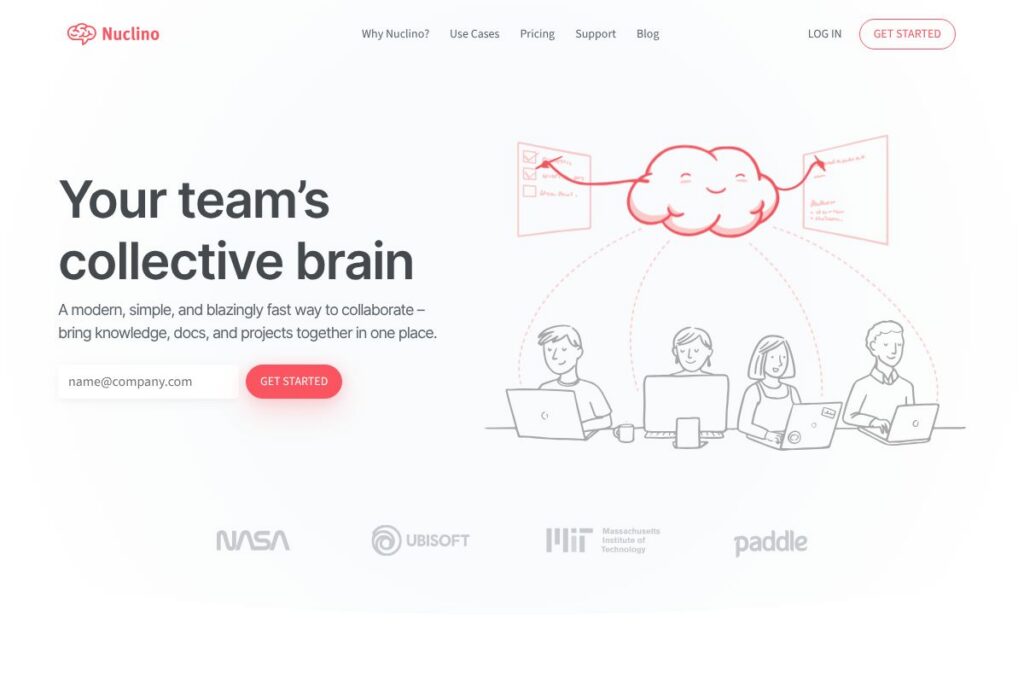
What is Nuclino?
Nuclino is a collaborative knowledge workspace that brings documentation, notes, and lightweight project management into a single interface. It focuses on a minimal, fast editor, linked pages, boards, and a graph view that helps teams navigate relationships between content.
Compared with competitors, Nuclino emphasizes speed and simplicity rather than extensive page customization. For example, Notion offers deeper layout and database capabilities and more templates, while Confluence targets enterprise documentation with extensive permissions and integrations. Slab focuses on a structured knowledge base experience similar to Nuclino, but Nuclino tends to be lighter and quicker to navigate.
All of this makes Nuclino a practical choice for teams that want a single, low-friction place to write docs, share knowledge, and manage simple projects. It works especially well for engineering teams, product teams, and small companies that value instant search and immediate collaboration.
How Nuclino Works
Content in Nuclino is organized as interlinked pages that can be viewed as lists, boards, or a graph to reflect relationships between items. Teams create pages for docs, specs, meeting notes, or tasks and link them together to form a living knowledge graph that surfaces context quickly.
Editing is real time, which means multiple teammates can type and update the same page simultaneously. Pages support embeds, file attachments, inline comments, and mentions so discussions stay close to the content they reference. Boards provide Kanban-style views for lightweight project tracking and can be used alongside documents for a combined knowledge-and-workflow approach.
What does Nuclino do?
Nuclino combines document collaboration, a searchable knowledge base, and simple project boards into a single workspace. Core capabilities center on real-time editing, fast search, multiple content views, and cross-linking, with integrations to common apps for sharing and embedding external content. Explore Nuclino’s integration options on the Nuclino integrations page.
Let’s dive into the standout features:
Real-time collaborative editor
The editor supports simultaneous editing by multiple users with low latency, plain-text formatting that handles lists, tables, and code blocks, and keyboard shortcuts for fast navigation. This reduces friction for pair writing, review sessions, and updating runbooks during meetings.
Boards and Kanban views
Boards let teams convert sets of pages into cards that can be grouped, filtered, and dragged between columns for simple task or project tracking. This keeps work close to the documentation that describes it, avoiding duplicate tools for lightweight workflows.
Graph view and backlinks
The graph visualizes connections between pages so you can spot clusters of related content, discover missing links, and understand information structure. Backlinks and page references make it easy to navigate between related topics and maintain a coherent knowledge base.
Instant search and fast indexing
Search is designed to return results instantly as you type, including full-text matches and page titles, which makes finding policies, specs, or decisions quick. Fast indexing is useful for teams that need immediate access to tribal knowledge during problem solving.
Embeds, attachments, and file previews
Pages accept embeds from Figma, YouTube, Google Drive, and other services, plus attachments and inline previews for images and documents. This keeps external resources accessible without switching apps and preserves context inside documentation.
Inline comments and mentions
Inline comments and @mentions let users discuss specific parts of a page and notify teammates directly. That keeps conversations anchored to the relevant content and reduces context switching to separate chat threads.
Version history and access controls
Nuclino stores page revision history to track changes and revert when needed, and it offers basic access controls for teams to manage read and edit rights. These controls are useful for maintaining a stable knowledge base as the organization grows.
Templates and shortcuts
Built-in templates and keyboard shortcuts speed up creating common pages like meeting notes, playbooks, and product specs. Reusable templates help teams standardize documentation without heavy setup.
With these capabilities, Nuclino’s biggest benefit is speed: it lets teams capture, link, and retrieve knowledge quickly without the overhead of more complex documentation platforms. That balance of simplicity and functionality helps teams maintain living documentation without heavy maintenance.
Nuclino pricing
Nuclino follows a subscription SaaS pricing model with multiple plan types tailored to individuals, teams, and organizations. For current pricing details and the specific features included at each tier, see the current pricing information on the Nuclino website.
What is Nuclino Used For?
Nuclino is commonly used as a team knowledge base for product specs, engineering runbooks, onboarding guides, and internal documentation. Its quick search and interlinked pages make it helpful when teams need a searchable single source of truth that is easy to maintain.
Teams also use Nuclino for lightweight project and task tracking, pairing boards with docs to keep decisions and implementation notes together. It suits small cross-functional teams that prefer fewer tools and faster access to shared knowledge.
Pros and Cons of Nuclino
Pros
- Fast, lightweight editor: Nuclino provides immediate editing and near-instant search, which reduces friction for writing and retrieving content. This is beneficial for teams that value speed over heavy customization.
- Unified knowledge and workspaces: Pages, boards, and a graph view live in one place, which helps reduce context switching and keeps docs adjacent to tasks. Teams can manage projects and documentation without juggling multiple apps.
- Simple information architecture: The minimal UI and linking-first approach make it easier to maintain a clean knowledge base without extensive configuration or training.
Cons
- Limited advanced page customization: Nuclino does not provide the same level of rich layout and database features as some competitors, which can be a drawback for teams that require complex pages or relational databases.
- Enterprise feature gaps: For very large organizations, advanced admin controls, deep reporting, or enterprise-grade SSO and compliance features may be less comprehensive than offerings from established enterprise vendors.
- Fewer native integrations than larger platforms: While Nuclino integrates with common tools, it may not match the breadth of native integrations available in larger ecosystems.
Does Nuclino Offer a Free Trial?
Nuclino offers a free plan and paid plans. The free plan typically includes core collaboration features and is useful for individuals or small teams; paid plans add administrative controls and additional team features. Check the Nuclino homepage for the latest trial and free plan details.
Nuclino API and Integrations
Nuclino connects with common productivity tools such as Slack, Google Drive, GitHub, and Figma to embed content and extend workflows. See the Nuclino integrations page for an overview of available connections.
Nuclino also provides developer-facing integration points and documentation for automating content creation and syncing with external systems. Developers can consult the Nuclino developer documentation to explore available endpoints and webhooks.
10 Nuclino alternatives
Paid alternatives to Nuclino
- Notion — Combines notes, databases, and pages with deep customization and templates for documents and workflows; strong for teams that want flexible layouts. See Notion’s pricing and plans.
- Confluence — Enterprise-focused documentation with robust permissions and integrations into the Atlassian ecosystem for software development teams. Learn about Confluence’s pricing and features.
- Slab — A focused knowledge base product that emphasizes structured documentation, search, and team knowledge sharing. Explore Slab’s product page.
- Guru — Knowledge management with verification workflows and browser extensions to surface verified answers in context. Review Guru’s feature overview.
- Coda — Documents as apps with database and automation features, suitable when you need more structured workflows alongside docs. Check Coda’s pricing and capabilities.
- Dropbox Paper — Simple document collaboration tightly integrated with Dropbox storage and file sharing for teams already on Dropbox.
Open source alternatives to Nuclino
- BookStack — Self-hosted documentation platform with a simple page and book structure suited to internal wikis.
- Wiki.js — Modern, lightweight wiki engine that supports Markdown and multiple authentication providers for self-hosted knowledge bases.
- MediaWiki — Mature, extensible wiki software used for large public and private knowledge repositories.
Frequently asked questions about Nuclino
What is Nuclino used for?
Nuclino is used for creating a shared team knowledge base, collaborative documentation, and lightweight project tracking. Teams create interlinked pages, use boards for simple workflows, and access content via instant search.
Does Nuclino integrate with Slack?
Yes, Nuclino integrates with Slack. Notifications and links to pages can be sent to Slack channels, and some content can be previewed directly from messages.
Can Nuclino be self-hosted?
No, Nuclino is provided as a cloud-hosted SaaS product. Organizations that require self-hosting should evaluate open source alternatives like BookStack or Wiki.js.
Is Nuclino suitable for engineering documentation?
Yes, Nuclino works well for engineering runbooks, API specs, and technical notes. It supports code blocks, embeds, and interlinked pages that help keep technical documentation discoverable.
How does Nuclino handle access control?
Nuclino provides basic user and team permissions, with options for workspace-level administration. Larger organizations can inquire about advanced controls and SSO options via the Nuclino site.
Final verdict: Nuclino
Nuclino stands out for speed and minimalism, offering a low-friction environment to capture knowledge, run lightweight projects, and collaborate in real time. Its combination of boards, a graph view, instant search, and a snappy editor makes it a practical choice for teams that prioritize getting work documented and accessible quickly.
Compared to Notion, Nuclino opts for a simpler, faster interface with fewer layout and database features; Notion provides broader customization and template options while Nuclino focuses on immediate access and ease of use. For detailed plan comparisons, see Notion’s pricing and visit the Nuclino homepage to assess which product aligns with your team’s need for speed versus customization.
Overall, Nuclino is worth considering when your primary goal is a single, responsive workspace for documentation and small-scale project coordination rather than a fully-featured content management or app-building platform.