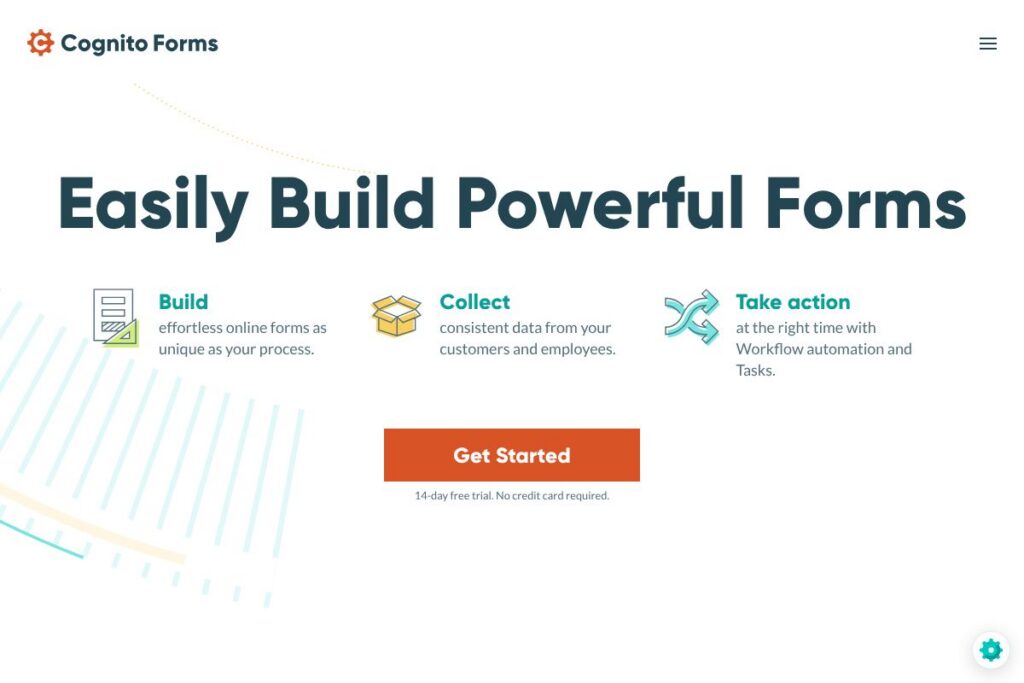
What is Cognito Forms
Cognito Forms is an online form builder focused on collecting structured data and turning submissions into automated business processes. It combines form creation, secure data storage, document generation, eSignatures, payments, and workflow automation to move work forward without custom development.
Compared with Typeform and Jotform, Cognito Forms places stronger emphasis on end-to-end workflows and document generation rather than survey-style experiences or an extensive template marketplace. Against Formstack, Cognito Forms provides a comparable set of enterprise features while often simplifying workflow setup for small and mid-sized teams.
All of this makes Cognito Forms especially useful for teams that need submission-driven automation. It is well suited to organizations that require approvals, generated contracts or estimates, secure payments, and integration into existing systems with low-code or no-code connections.
How Cognito Forms Works
You design forms in a drag-and-drop editor that supports conditional logic, repeating sections, lookups, and calculations. Forms can include file uploads, payment fields, and signature elements, and you can apply custom themes or embed forms on websites.
When a form is submitted, Cognito Forms can trigger workflow actions such as status changes, email notifications, task assignments, and document generation. Workflows use user roles and status+action screens to route work to specific people and prompt the right next steps.
Workflows integrate with external systems via built-in connectors and webhooks so form data can create records in CRMs, initiate invoicing, or kick off automation in Microsoft Power Automate or Zapier. Practical workflows include onboarding new hires, issuing contracts with eSignatures, and routing permit applications for approval.
Cognito Forms features
Cognito Forms centers on data collection plus the automation that turns entries into action. Core capabilities include a flexible form builder, workflow automation with task assignments, document generation to Word or PDF, eSignatures, payment processing, and integrations to commonly used platforms. The product continues to add workflow flexibility and connectors to reduce manual steps.
What Makes Cognito Forms Stand Out
Form Builder
The builder supports conditional logic, repeating sections, calculations, and data lookups to keep entries consistent. These capabilities let you model complex processes such as multi-item orders, inventory calculations, or multi-person approvals without writing code.
Workflow Automation
Workflow tools let you define statuses, actions, and role-based routing so submissions advance through a process. Automations can send emails with customized links, create in-app tasks with due dates, and update records as the status changes.
Document Generation
Form submissions can automatically produce custom Word or PDF documents such as contracts, estimates, and certificates. Templates use submitted fields to populate documents instantly, which reduces manual drafting and speeds client-facing responses.
Electronic Signatures
Built-in eSignature fields allow you to collect legally binding signatures as part of the form or document flow. Signatures are stored with submission records so you can track who signed and when for compliance and audit trails.
Payments and Billing
Forms accept secure payments via Stripe, PayPal, or Square so you can collect fees, donations, or order payments at submission. Payment fields can be combined with calculations and conditional logic for dynamic pricing.
Integrations and API
Cognito Forms supports webhooks and connectors to automation platforms like Zapier and Microsoft Power Automate, enabling synchronization with CRMs, cloud storage, and accounting systems. Developers can extend functionality using the platform API and the API documentation for endpoints and examples.
With these features, Cognito Forms turns form submissions into repeatable, auditable processes that reduce manual work and improve data accuracy. The biggest benefit is the tight coupling between form data and downstream actions, from document generation to task assignment.
Cognito Forms pricing
Cognito Forms uses a subscription model with a free entry option and paid tiers that unlock advanced workflow, document generation, payment processing, and compliance features. Plans are structured for individuals, small teams, and organizations that require enterprise capabilities and compliance controls.
Pricing overview
Cognito Forms does not publish a single flat pricing list in the content provided here, and plan details are updated periodically. For the most accurate information on available plans, feature comparisons, and volume discounts, view the Cognito Forms pricing page.
Enterprise
Enterprise options include single sign-on, advanced security controls, and support arrangements for larger deployments; contact the vendor for custom quotes and implementation details via the enterprise information.
What is Cognito Forms used for
Cognito Forms is commonly used to replace paper and ad hoc form solutions with structured, automated processes. Typical applications include employee onboarding, client intake, permit applications, purchase orders, and donation processing.
Because forms can generate documents, collect signatures, and accept payments, they are useful anywhere a submission needs a follow-up action. Teams use Cognito Forms to centralize data collection, route approvals, create contracts automatically, and keep stakeholders informed with notifications and task assignments.
Pros and cons of Cognito Forms
Pros
- Flexible form logic: The builder supports conditional logic, repeating sections, and calculations which help model complex processes without code.
- Workflow-driven automation: Workflow tools let you assign tasks, change statuses, and notify participants to keep submissions moving through a process.
- Document generation and eSignatures: Automatically produce PDFs or Word documents and collect legally binding signatures as part of the same flow.
- Payment integrations: Built-in support for Stripe, PayPal, and Square makes it straightforward to collect fees and donations securely.
- Compliance and security features: The platform includes options for GDPR, HIPAA, and CCPA compliance along with SSO and two-factor authentication for account security.
Cons
- Learning curve for advanced workflows: Setting up complex status-based workflows and role permissions requires planning and familiarity with the platform’s concepts.
- Ecosystem depth compared to larger vendors: While feature-rich, the integrations catalog is smaller than very large form or automation vendors, so some teams may need middleware like Power Automate or Zapier to connect all systems.
Does Cognito Forms Offer a Free Trial?
Cognito Forms offers a 14-day free trial and a free tier for basic use. The trial gives access to core features including form creation, workflow testing, and document generation without requiring a credit card. After the trial, paid plans unlock higher submission limits, advanced workflow actions, and compliance-related features; check the current pricing options for details.
Cognito Forms API and Integrations
Cognito Forms provides developer access through an API and supports integrations via webhooks, Zapier, and Microsoft Power Automate. For technical details on endpoints, authentication, and examples, consult the API documentation.
Key built-in connections include payment processors such as Stripe, PayPal, and Square, plus connectors to cloud storage and automation platforms to move submission data into your existing systems. Review the integration guides to plan common workflows and connector setups.
10 Cognito Forms alternatives
Paid alternatives to Cognito Forms
- Jotform: A large template library with form widgets and form submission limits tailored for businesses.
- Typeform: A focus on conversational forms and surveys with a polished end-user experience.
- Formstack: Advanced workflow and data handling capabilities for enterprise teams with strong compliance options.
- Google Forms: Simple, free form creation integrated with Google Workspace for basic surveys and data capture.
- Wufoo: An easy-to-use builder with payment and reporting features aimed at small businesses.
- Microsoft Forms: Tight integration with Microsoft 365 and simple form workflows for organizations already on that platform.
- SurveyMonkey: Robust survey analytics and question types for research and feedback collection.
Open source alternatives to Cognito Forms
- Form.io: An open-source form and API platform that developers can self-host and extend with custom logic.
- Orbeon Forms: A mature open-source form solution suited for complex enterprise forms and integration needs.
- Drupal Webform: A module within Drupal that provides form building and submission storage inside a CMS.
- OhMyForm: A community-driven open-source form builder that can be self-hosted for privacy and control.
Frequently asked questions about Cognito Forms
What is Cognito Forms used for?
Cognito Forms is used for building online forms that trigger automated workflows, documents, approvals, and payments. Organizations use it to replace manual paperwork with submission-driven processes.
Does Cognito Forms support eSignatures?
Yes, Cognito Forms supports electronic signatures integrated directly into forms and generated documents. Signed records are stored with submission data for audit and compliance purposes.
Can Cognito Forms accept payments?
Yes, Cognito Forms accepts payments using Stripe, PayPal, and Square. Payment fields can be combined with calculations and conditional logic for dynamic pricing or order processing.
Does Cognito Forms have an API?
Yes, Cognito Forms provides an API and webhook support for automation and integrations. Refer to the API documentation for authentication, endpoints, and examples.
Is Cognito Forms compliant with regulations like HIPAA?
Cognito Forms offers features and plan options that support GDPR, HIPAA, and CCPA compliance. Enterprise plans include additional security controls such as SSO and enhanced support for regulatory requirements.
Final verdict: Cognito Forms
Cognito Forms excels at turning form submissions into automated, auditable processes. Its strengths are the combination of a capable form builder, workflow automation with task and status management, document generation, eSignatures, and payment processing, which together reduce manual handoffs and speed approvals.
Compared with Jotform, Cognito Forms focuses more on workflow orchestration and generated documents while Jotform emphasizes a broader template and widget ecosystem. For teams that need submission-driven automation and compliance features, Cognito Forms is a practical choice; if your priority is a large template gallery and many widgets out of the box, evaluate Jotform alongside Cognito Forms to determine which aligns better with your requirements and budget.
For detailed feature comparisons, pricing tiers, and enterprise options, review the feature list and workflows and the pricing details on the Cognito Forms site.